When a piece of equipment needs an inspection or a repair, record it in Maintenance. That keeps it out of new rentals while it lasts, and you know how much it costs to maintain your inventory.
Types and statuses
Each record is one of these types: Preventive, Corrective or Inspection. Its status can be Scheduled, In Progress, Completed or Cancelled.
Schedule maintenance
- In Maintenance, click Schedule Maintenance.
- Choose the product and the maintenance type.
- Decide when:
- Immediate (already in maintenance): the product or unit goes into maintenance when you save.
- Schedule for a date: you book it for a future date.
- Indicate how many units go to maintenance:
- If the product is tracked by unit (serialized), mark the specific units.
- If it uses general inventory, enter the quantity. It is deducted from the available units when the record is created.
- Add the estimated cost, the work description and notes, and save.
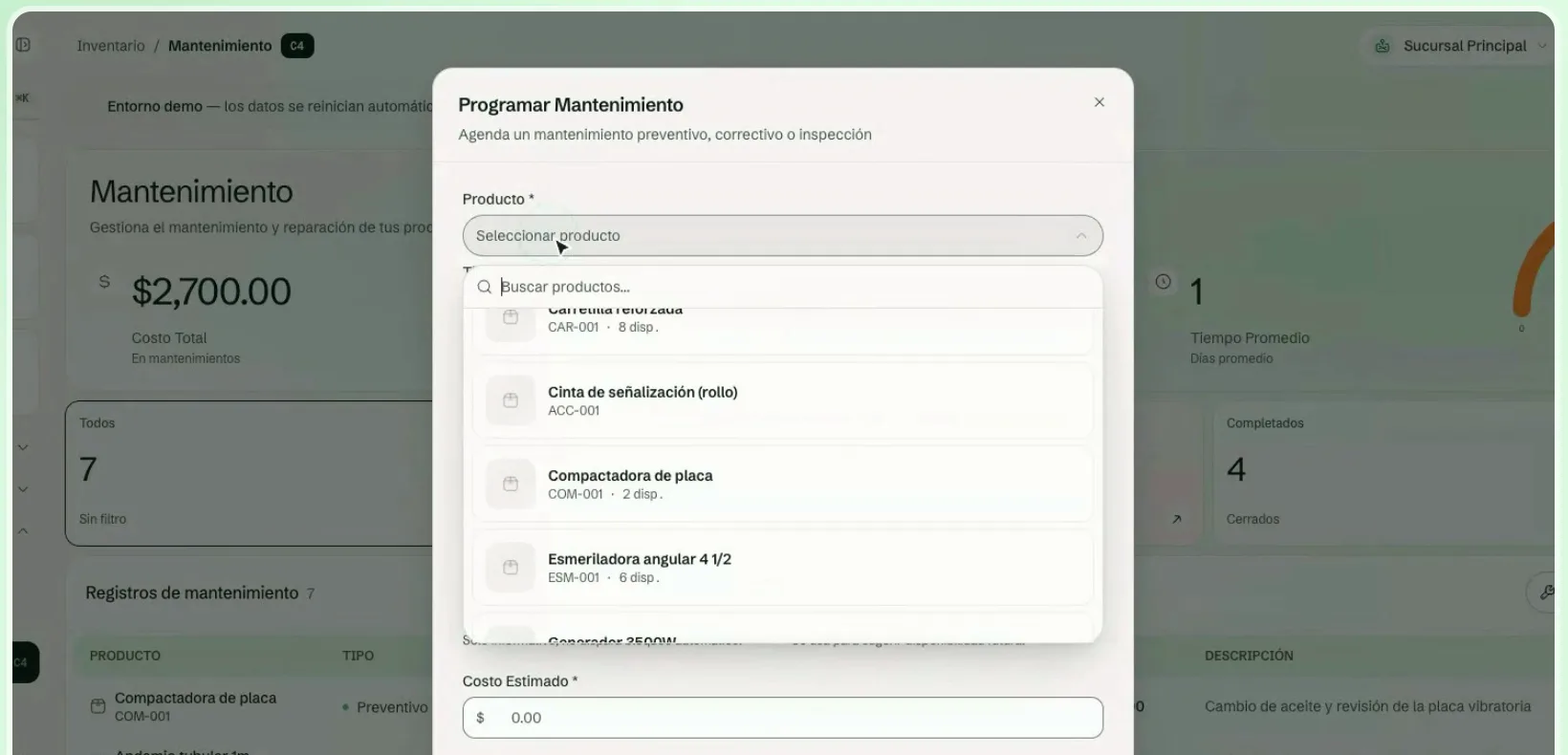
You can add an estimated start and an estimated end date (ETA). The start is informational only and does not block anything by itself; the ETA is used to suggest when the equipment will be available again.
Finalize the maintenance
When the equipment comes back:
- In the record, click Finalize.
- Enter the quantity to finalize now. You can close partially: the remaining quantity stays in maintenance.
- Confirm the final cost. It is preloaded with the record's cost; if that was 0, it uses the product's cost per service.
- Add closing notes if you want and confirm.
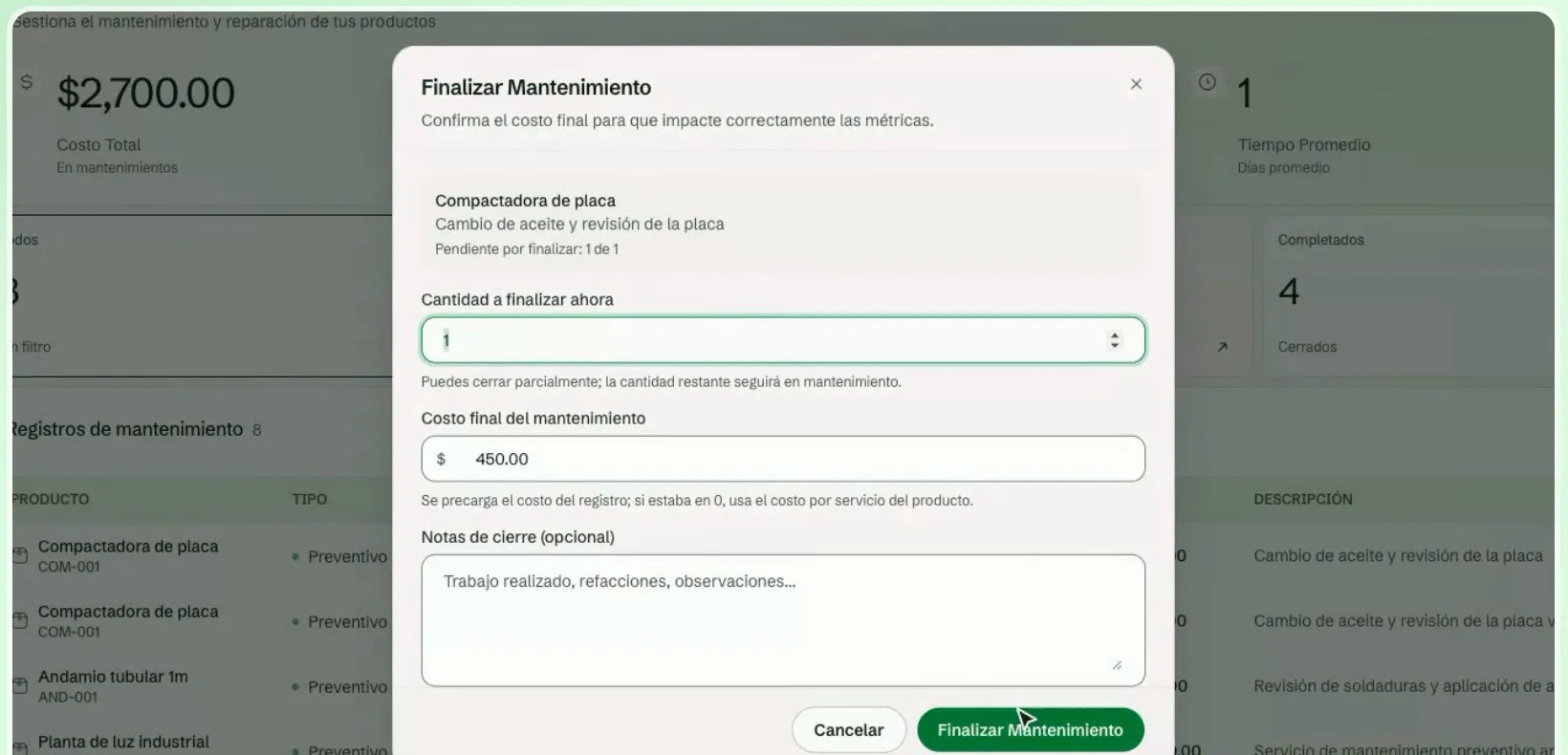
Once finalized, the units are available again.
Track your workshop
Above the list you see the total cost, how many products are in maintenance, the upcoming ones, the scheduled ones and the average time in days. Filter by All, Scheduled or Completed. If the estimated date has passed, the record is marked ETA overdue. In Daily you also see maintenance with an ETA and the overdue ones.