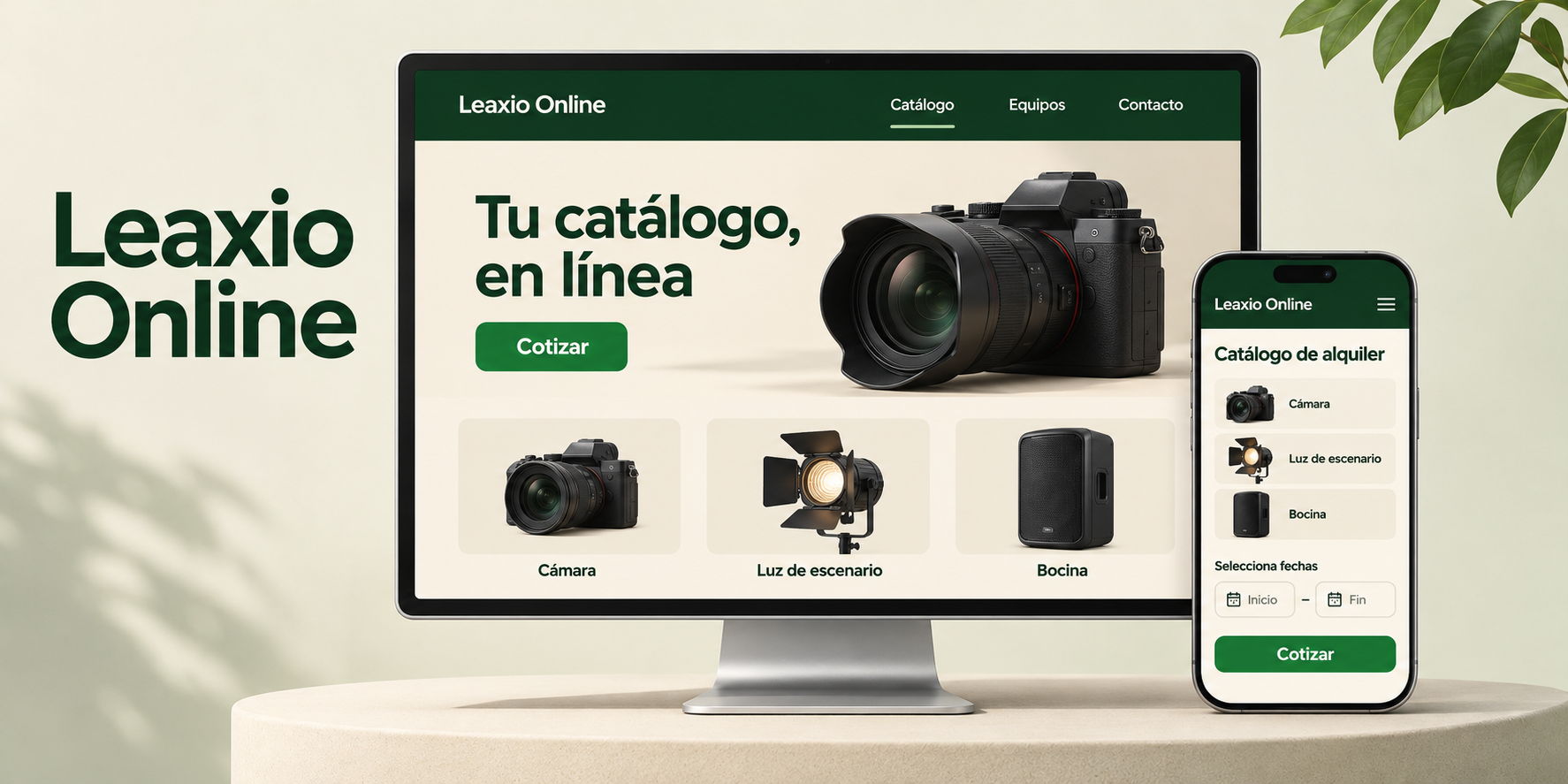
Your business already lives in Leaxio: products, prices, availability and quotes. Now it can also have a website of its own, built from that same data. Your customer visits, picks dates and either asks for a quote or pays online. You receive it in Leaxio, like any other request. And at your shop, you take card payments from Leaxio, with no card terminal.
What Leaxio Online is
It is an add-on that sits on top of your current plan. It brings together four things:
- A website for your business, from ready templates. Complete templates, by industry, with a home page, pages, catalog and product page. You pick one, change the copy and photos, and publish. Then you fine-tune it in a visual editor.
- Your catalog, built in. The site uses the products you already manage in Leaxio, not a separate copy.
- Quote or charge, your call. Set rentals and sales separately: quote only, online payment only, or let the customer choose.
- Card payments at your counter. Charge rentals, sales or a quick charge with no terminal or extra device.
What your customer sees on the site
- They open your site on a phone or computer, in Spanish or English.
- They browse the catalog and choose products and rental dates.
- They leave their details. One cart covers rentals and purchases; one request is created for each type.
- They ask for a quote or pay online: an advance or the full amount for rentals, the full amount for sales.
- They get a link to follow their order.
Take card payments at the counter
This works at your shop, with or without a website, and needs no card terminal:
- Three ways to charge. The balance of a rental, a new sale, or a Quick charge (Payments → Quick charge) with no rental or sale, using an amount and a description.
- Your customer pays by card. They scan a QR code, open the payment on the same device, or receive the link on WhatsApp.
- Everything is recorded. The payment is noted on the rental or sale and goes into the day's cash register.
- Refunds from Leaxio. Full or partial; the refund is recorded in the register too.
What you control on the site
- Templates by industry. Complete templates for construction and machinery, events and furniture, photo, video and production, fashion and apparel, technology and computing, and non-critical medical equipment. All of them come with your catalog connected, the product page and your branches' contact details. You can switch templates later without losing your business name, logo or contact details.
- Review before you publish. Saving does not publish. You see how it looks on phone, tablet and desktop, and publish when it is ready. Every publication is kept in the history: you can go back to an earlier one or take the site down.
- Your address. The site is served at a Leaxio address. You can turn on a short subdomain or connect a domain you already own; Leaxio shows you which DNS records to add and the status of the connection.
- Search engines. A title, description and sharing image for every page, plus a sitemap for Google.
How you get paid
Payments, online and at the counter, use your own Stripe account: the money goes straight to it and Leaxio does not hold it. Leaxio charges no per-transaction commission; Stripe charges its processing fees separately. If you would rather not take payments online, use quotes only.
To take card payments you need a Stripe account enabled to receive them. Availability depends on that account's requirements.
What does not change
Each branch's public catalog stays included in your plan and works as it does today, with no need for Leaxio Online.
How to get started
- An organization owner opens Settings → Leaxio Online and activates the add-on. It costs MXN $199 per month as a launch price (the list price is MXN $299 per month), on top of your plan; if you subscribe at the launch price, you keep it while you keep the add-on active.
- Connect your Stripe account: it is what enables payments, online and at the counter.
- To charge at your shop, open your register and use Charge with Stripe on a rental, a sale or Payments → Quick charge.
- For the website, press Create my site, pick a template for your industry, change the copy and photos, check it on your phone and publish. With a template it takes a few clicks: nothing goes live until you press Publish.