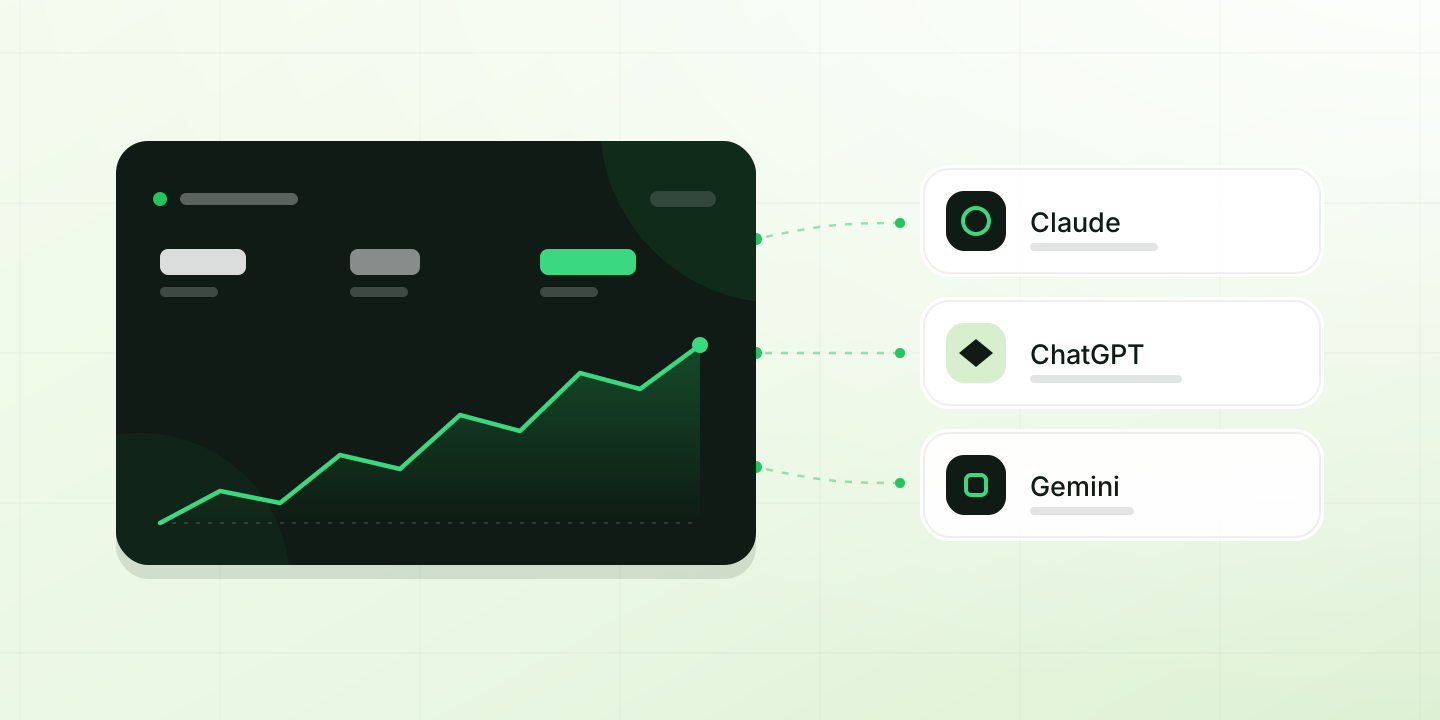
Picture opening Claude, ChatGPT, Gemini or another AI agent and typing: "what goes out today?". And getting an answer built from your real rentals, not a generic one. That is what's new: Leaxio now connects to your AI agent, and your business joins the conversation.
What changes
An AI agent is an assistant like Claude, ChatGPT, Gemini or others. Until now it knew nothing about your business.
- Before: you opened Leaxio, looked up the number and copied it into your assistant so it could help.
- Now: you ask directly and the agent goes to Leaxio for the answer.
- What stays the same: your data stays in Leaxio, and the agent sees what your user can see, nothing more.
What you can ask
Write to it the way you would to a coworker. This already works:
- The day. "What goes out today and what comes back? Is anything overdue?"
- Availability. "Do I have three chairs free on Saturday?" It checks what is already committed, not just the catalog total.
- Collections. "Who owes me money, and since when?" then "draft the reminder for each one".
- Quotes. "Which quotes are still pending?"
- Maintenance. "Which equipment is under maintenance?"
- Customers and products. "Who are my best customers?" "Which product rents most on weekends?"
- Numbers. "How much did I invoice this month versus last?"
The value isn't a single answer but chaining them: ask what you should collect, request the message for each customer, and leave the list ready to send.
A day with your agent
In the morning
Ask how the day looks. Deliveries, returns and overdue items in one message: the same review as the panel, without opening it.
Before quoting
Ask for availability on the exact date and quantity. You can confirm with the customer without leaving the conversation.
To collect
Ask for balances sorted by age and the payment reminder for each customer. You review and send.
At close
Compare the month against the previous one and ask what changed. If a number doesn't add up, ask which rental it comes from before trusting it.
How to ask better
The difference between a useful answer and a vague one is the question.
- Give a range. "Rentals from last week" works better than "rentals".
- Ask for a comparison. Against last month, against another branch, against the same day last year.
- Ask for detail when something doesn't add up. "Which rental does that balance come from?"
- Ask for the next step. "With that, what should I collect first?"
What an MCP is, in two minutes
MCP stands for Model Context Protocol: an open standard that lets one AI application talk to another without custom integrations. Think of it as the plug between your business and your agent. Leaxio publishes an address, you paste it into your agent and approve access. It works with Claude, ChatGPT, Gemini and any other MCP-compatible app.
There is nothing to install and no keys to copy. The address is always the same:
https://app.leaxio.com/api/mcp
How to turn it on
Watch it first, then follow the steps:
- Open AI agents.
- Turn the connection on and accept the notice. An owner or admin does this once per organization.
- Copy the address, paste it into your AI client and approve access.
Step by step per client, with common errors, is in Connect your agent.
Privacy and control
- Your permissions rule. If your role can't see payments, neither will the agent: it will say so instead of inventing a number.
- Contact data protected. Customer phones and emails arrive masked. Sharing them in full is a separate setting, off by default.
- You decide how long. Access lasts one hour and renews itself. You can revoke it any time in Settings → Connected apps.
- No confusion. Each answer returns up to 25 rows along with the total, so you don't mistake what is shown for everything.
On the Basic plan the screen still explains the feature; the connection turns on with Business and Pro.
Keep reading
- AI agents guide: what it can and cannot do.
- Connect your agent: steps per client.
- FAQ: data, plans and revocation.
- Terms and conditions and privacy policy.
The connection is in beta and its scope grows with each release. If something doesn't answer the way you expected, write to us from the Help Center: what you report goes into the next iteration.